
Better websites start with a better brief.
Take the reusable website-building skill from the lesson. Give Codex your business details, build a local website, and inspect what it makes.
Download the website skillZIP · 5 files · No email required
See how to install it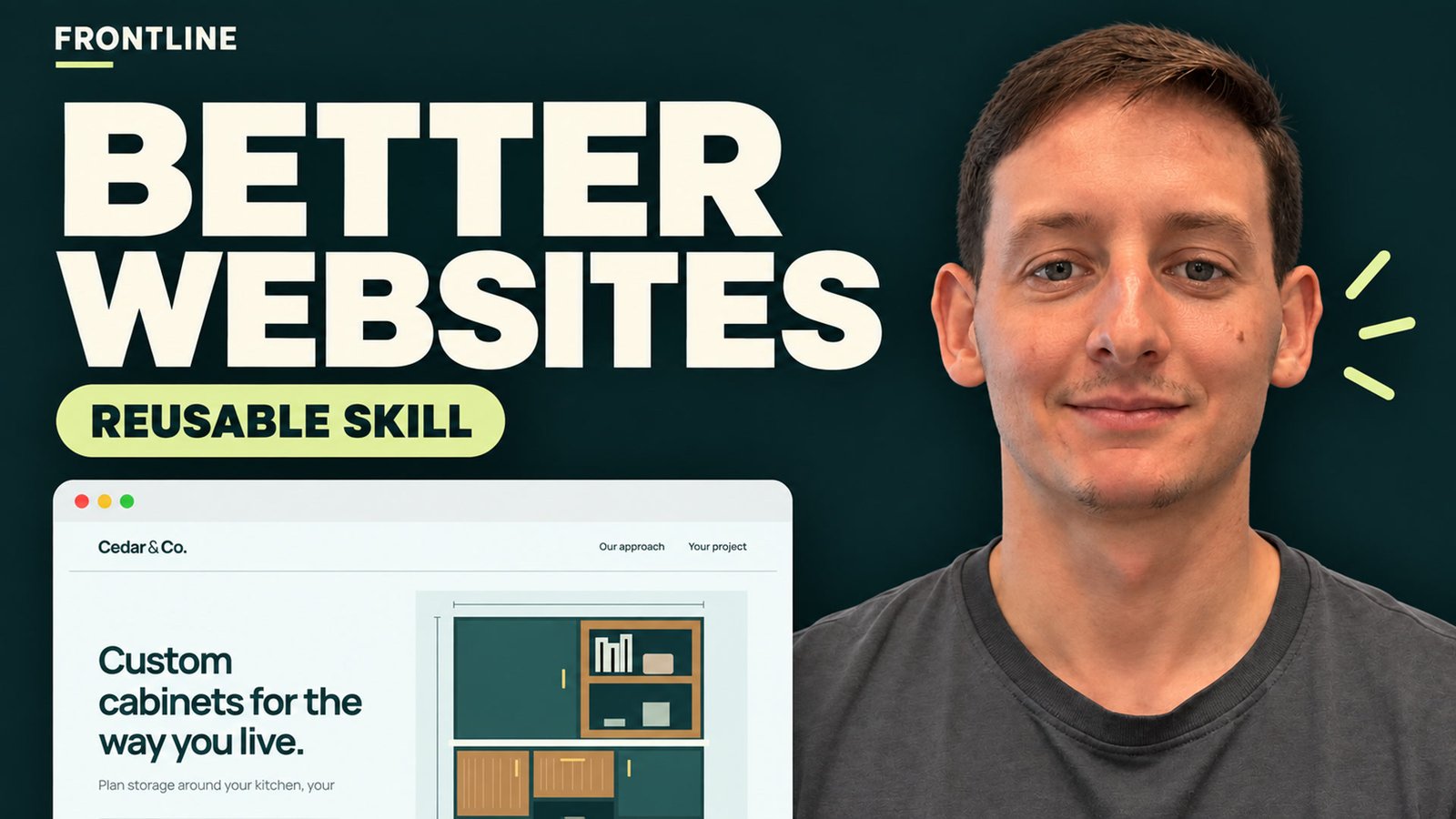
Your business changes.
The useful checks stay.
The brief tells the assistant what to build. The skill gives it reusable instructions for design decisions and verification. Use both, then review the result.
The download contains the skill, a fill-in business prompt, a fictional example brief, a README, and a Codex CLI installation guide. Read the files before using them.
Watch it in practice.
Follow the complete 1:50 lesson, including the three website improvements and project-local skill setup.
Read the lesson transcript
Let's improve this business homepage, then turn the checklist into a website building skill you can reuse. I'm Tanner with Frontline Web Designs. This cabinet company is a fictional example.
First, clarify the message. Welcome to our website becomes, custom cabinets for the way you live. Now the headline tells visitors what the business makes.
Next, check the phone layout. These two cramped columns become one readable stack. The content fits without scrolling sideways. Finally, replace learn more with discuss your
cabinet project. This demo only previews the details. Nothing is sent. Now let's write a reusable brief. Tell the AI what your business offers,
who the site is for, and what visitors should do next. Add your content and design references. The brief tells it what to build. The skill adds reusable instructions for making
design decisions, inspecting desktop and mobile layouts, and testing the main action. It still needs your business details and a review of the result. Here's the local setup in Codex.
Open your website project and create the folders shown here. Place the custom website builder folder inside skills with the SKILL.md file inside it.
In Codex CLI, open the skills list. Select custom website builder or mention it using the dollar sign command on screen. Add your completed brief. If the skill doesn't appear, restart Codex
and check the folder path. We also use these instructions in a separate fictional bicycle shop build with our existing design tools. Here's the result on desktop and mobile,
and its local inquiry preview. One example doesn't guarantee every build. Change the brief, inspect what you get, and improve it.
The presenter introduction and narration use AI-generated media based on Tanner's authorized appearance and voice references.
Install it. Add your brief. Build.
This walkthrough uses Codex CLI in your local website project.
Download and inspect the files
Extract the ZIP. Open
custom-website-builder/SKILL.mdand read its instructions. Fill outwebsite-prompt.txtwith your offer, audience, main action, content, and references.Copy the skill into your project
Place the entire
custom-website-builderfolder under.agents/skills/. The final file path should look like this:your-website-project/ .agents/ skills/ custom-website-builder/ SKILL.mdInvoke it in Codex
Open Codex CLI in that project. Use
/skillsto find the skill, or invoke it explicitly with the prompt below. Replace the bracketed text with your completed business brief.$custom-website-builder Build a local website using this brief: [paste your completed business brief here].Paste this into Codex, not into PowerShell.
Inspect the result
Read the headline, test the phone layout, and try the main action. Check keyboard access and confirm any form behavior before sharing the website.
The skill isn't appearing. What should I check?
Restart Codex, confirm that you opened the correct project, and check that the file is named exactly SKILL.md, not SKILL.md.txt. Avoid an extra nested copy of the skill folder. This package's discovery was tested in Codex CLI 0.151.0; other assistants have different installation methods.
What this example proves.
Cedar & Co. and Spoke & Spanner are fictional businesses. Their forms preview input locally and do not send inquiries. The cabinet site was built before the skill was written. The separate bicycle-site trial used this skill alongside existing design guidance and browser tools.
One example is not a guarantee. Your brief, assets, tools, model, and review still matter. This download contains instructions, not a hosted website or a contact-form backend.